Voice command
Google Home or Amazon Alexa receives a configured voice request.
A working home gate project: a Wi-Fi controller connected to the existing gate mechanism, Google Home, Amazon Alexa, voice commands and Samsung SmartTag actions.
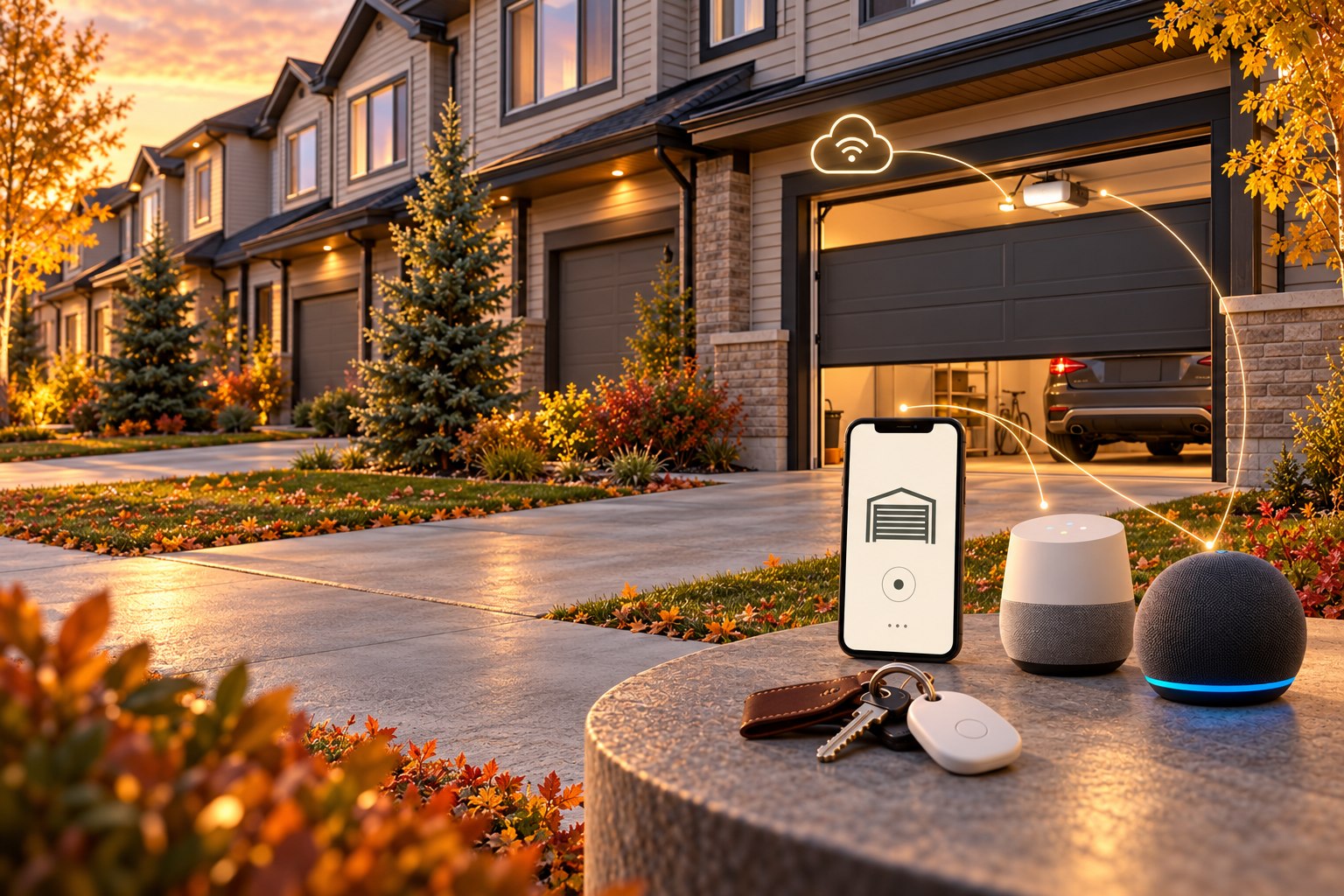
The goal was to make the existing gate easier to use as part of the connected home. Sergey connected a Meross HomeKit Smart Wi-Fi Garage Door Opener controller to the main gate-opening mechanism, brought it onto Wi-Fi and the internet, and configured Google Home and Amazon Alexa integrations. This is a completed personal installation at his home.
Google Home or Amazon Alexa receives a configured voice request.
A configured tag action provides another way to trigger gate control through the connected setup.
The connected device passes the supported command to the existing gate mechanism.
The main mechanism performs the physical opening.
Logical overview of the implemented setup. SmartTag actions use the configured integration path; the tag is not shown as a direct Wi-Fi connection to the motor.
Use the configured voice command through Google Home or Alexa, or the configured Samsung SmartTag action. Both routes make the gate part of the same connected-home experience, with a familiar voice assistant or a tag kept with your keys.
Compatibility depends on the gate drive, controller and connected accounts. Voice and tag actions depend on the configured services, connectivity and permissions. Control access and any required confirmations should be agreed during setup; the gate’s own safety systems remain essential.
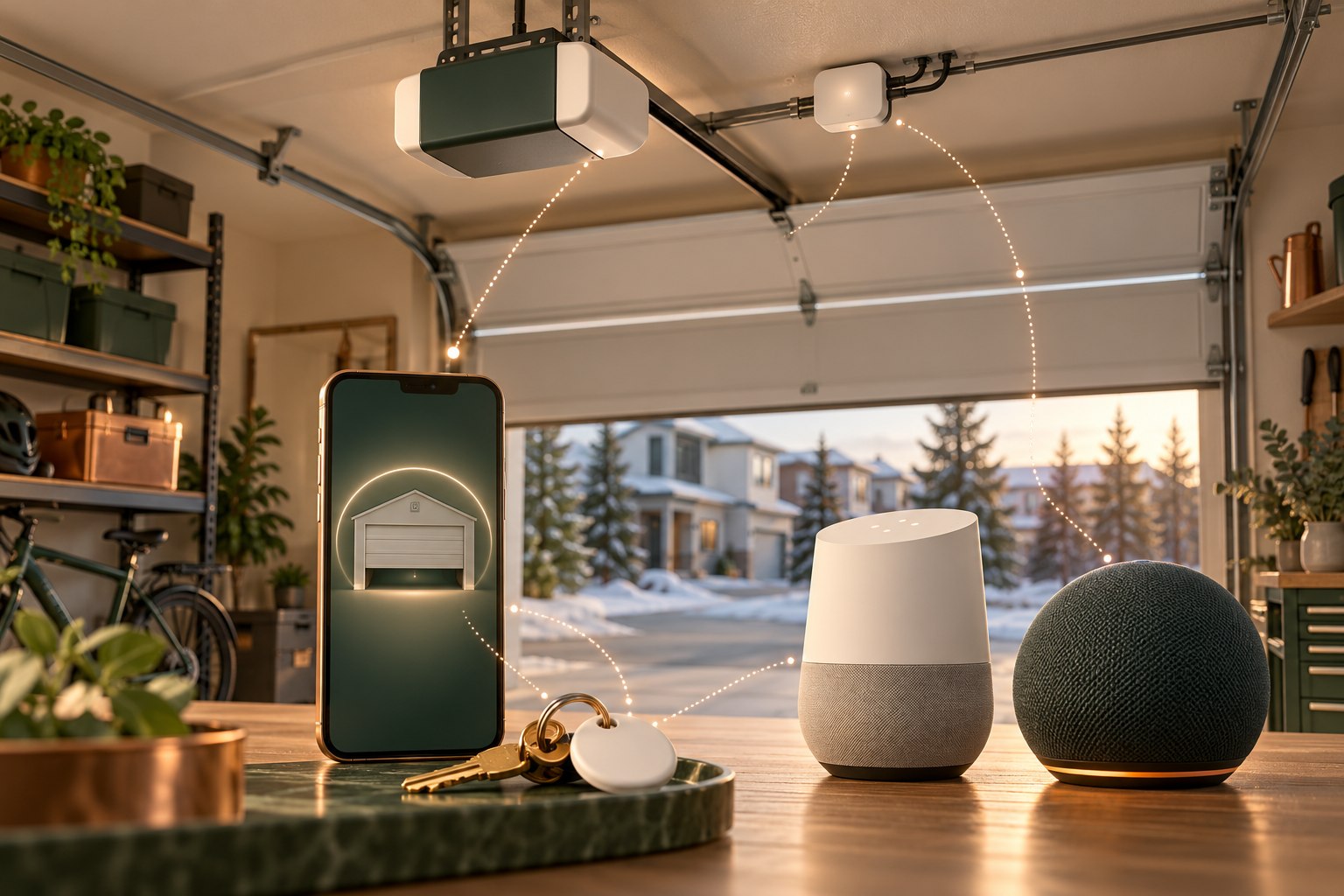
The Meross HomeKit Smart Wi-Fi Garage Door Opener is the bridge between the connected controls and the installed opening mechanism. The motor still moves the door; the controller adds a connected way to request that action. The voice integrations and SmartTag action were configured for this home, rather than assuming every device works together out of the box.
Inside the home, a configured request to Google Home or Amazon Alexa provides voice control without finding the original remote. The configured Samsung SmartTag action offers a physical alternative using a tag that can stay with the keys. Both routes reach the same gate-control setup; neither requires changing the main drive mechanism.
First, the household uses one of the configured controls. Next, the relevant integration routes the request to the Wi-Fi controller. The Meross device passes the supported command to the main mechanism, which physically operates the door. Connectivity and account permissions need to be working along that path. Before copying the setup, the controller interface and the drive’s supported behavior should be checked for the specific installation.
A garage reminder? A leak alert? A home that finally works together?
Tell Sergey what you have in mind.