Google Nest
Reports the observed HVAC state: OFF, HEATING or COOLING.
A custom monitor that looks beyond the thermostat: compare the request for heat with what the air actually does, then bring a possible problem to your attention.
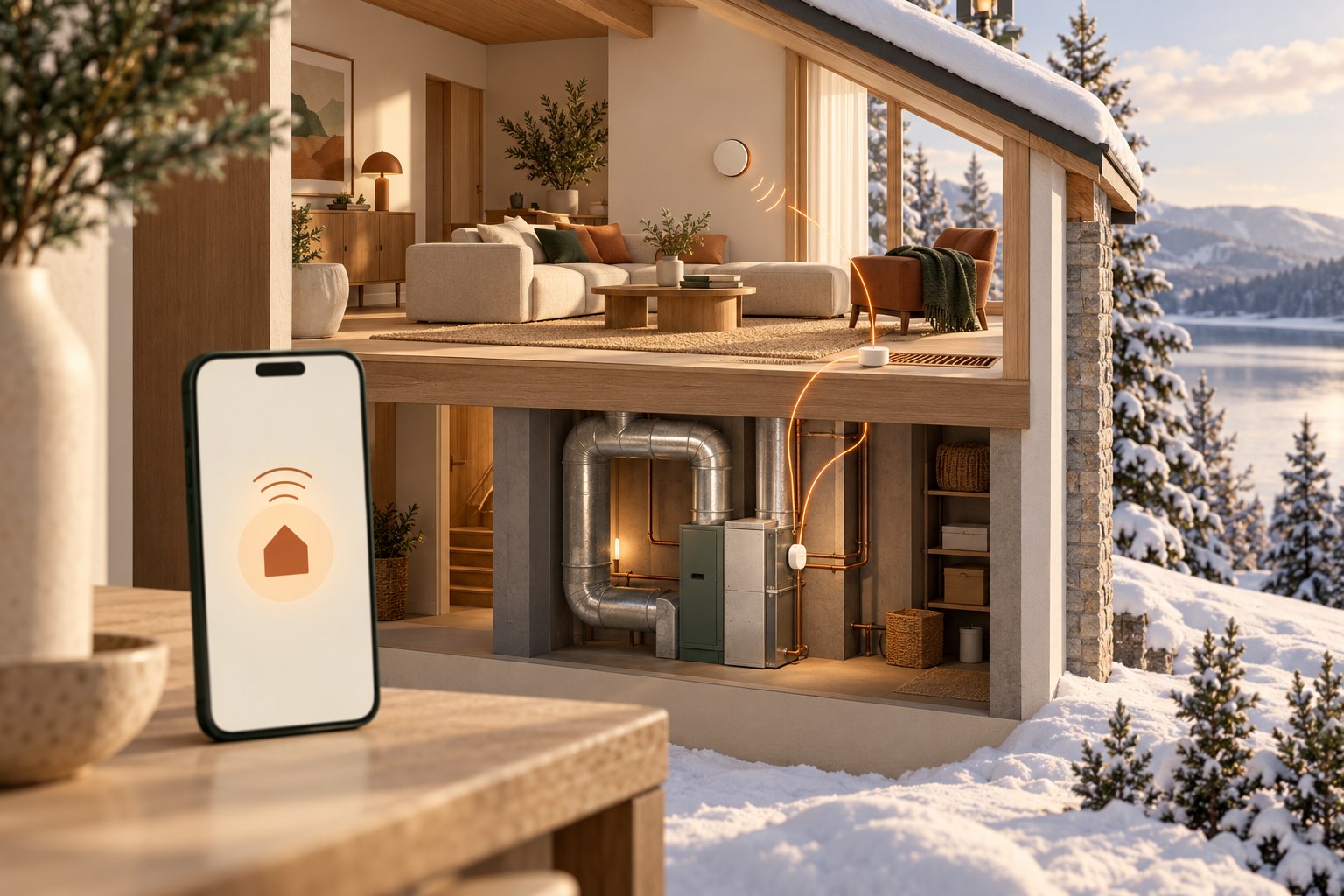
A thermostat can report that heating is active without independently confirming the temperature of the air coming from a vent. The goal was to make that gap visible, rather than discover a cold home much later.
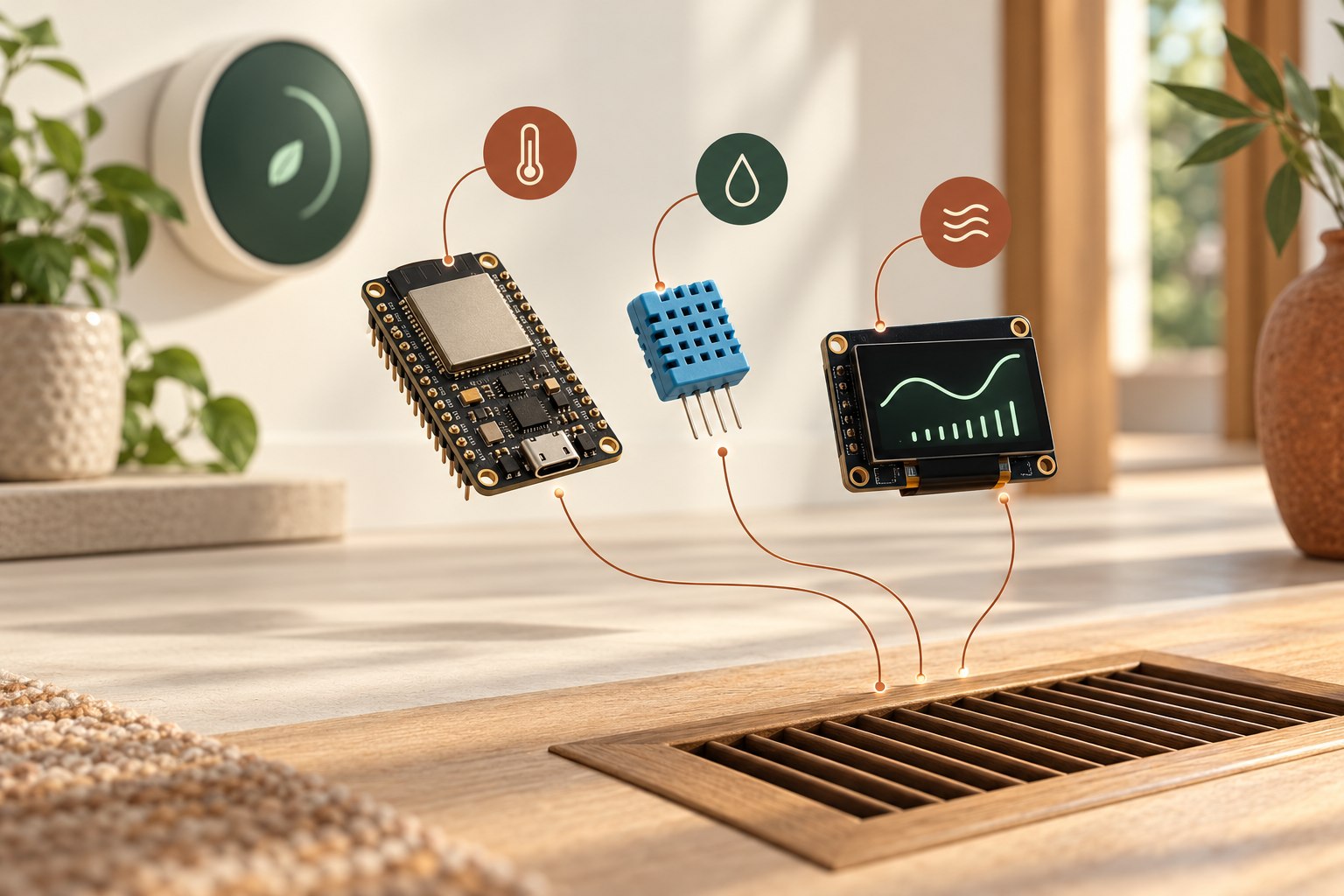
Sergey built an ESP32-based monitor with a temperature and humidity sensor, an OLED screen and a cloud service. The system is implemented and working. This is a personal project, not a commissioned customer installation.
Reports the observed HVAC state: OFF, HEATING or COOLING.
Measures the air temperature. ESP32 compares its rise against the start of the heating cycle.
Shows temperature, humidity, heating status, connectivity and queued events.
A persistent event reaches the Azure service, which dispatches a text through Twilio.
These are the settings implemented for this project, not universal settings for every heating system.
When a fresh transition to HEATING is observed, the monitor records the starting air temperature.
If heating stays active and the temperature rise is below 5 °C, it raises a heating-failure event. Monitoring continues beyond the first check.
The server prevents duplicate SMS notifications for the same heating cycle. A rise of at least 7 °C marks recovery; OFF or COOLING cancels the heating check.
If the board starts halfway through a heating cycle, it waits for a new cycle instead of inventing a baseline. A sensor error is kept separate from a heating fault. Stale Nest data is shown as unknown, not as an assumed heating state.
Unacknowledged events are kept on the device and retried after a connection failure. The queue is bounded and its overflow is visible on the display.
Concept illustration, not an installation photograph.
ESP32, DHT11 sensing and an SSD1306 OLED display, with cycle-based detection and persistent event handling.
A deployed .NET API on Azure, stored observations and events, Google Nest integration and Twilio SMS dispatch.
Automated firmware-logic and API checks, protected credentials and a GitHub Actions deployment workflow.
Tell Sergey what equipment you have and what you would like to be alerted about. Compatibility, sensor choice and ongoing service costs are reviewed before proposing a setup.
Discuss a monitoring project →Not by itself. This project adds a separate temperature measurement and checks its rise during an observed heating cycle.
The cloud notification path needs internet access and an available SMS service. The device retains unacknowledged events for later retry; this does not guarantee an alert during an outage.
Start with your thermostat model, heating equipment and the situation you want to detect. Compatibility, sensor placement and thresholds must be assessed for your home before a setup is proposed.
Explore related services and ideas: Home Assistant setup · Cold-room alerts.